Expo (React Native) + Tailwind CSS でアプリ開発
2022.04.18 08:00
React Native
Expo
アプリ開発
Tailwind CSS
Expo 環境構築
基本は公式ドキュメントを参考に、 CLI の表示に従ってインストールしていきます。 最初に Expo コマンドを使うために Expo CLI のインストール
npm install --global expo-cli
Expo プロジェクトの作成
途中で質問される template は tabs(Typescript)を選択(画面切替やモーダル表示などで React Nativation を使うことになるため)
expo init my-app

✔ Choose a template: › tabs (TypeScript)   several example screens and tabs using react-navigation and TypeScript

cd my-app
yarn start
lolcahost でサーバーが起動するので開いて、スマホで QR コードを読み取り Expo Go アプリでプロジェクトを開きます。 開発環境に iOS シミュレータや Android エミュレータがインストールされている場合、左側のタブから起動することもできます。
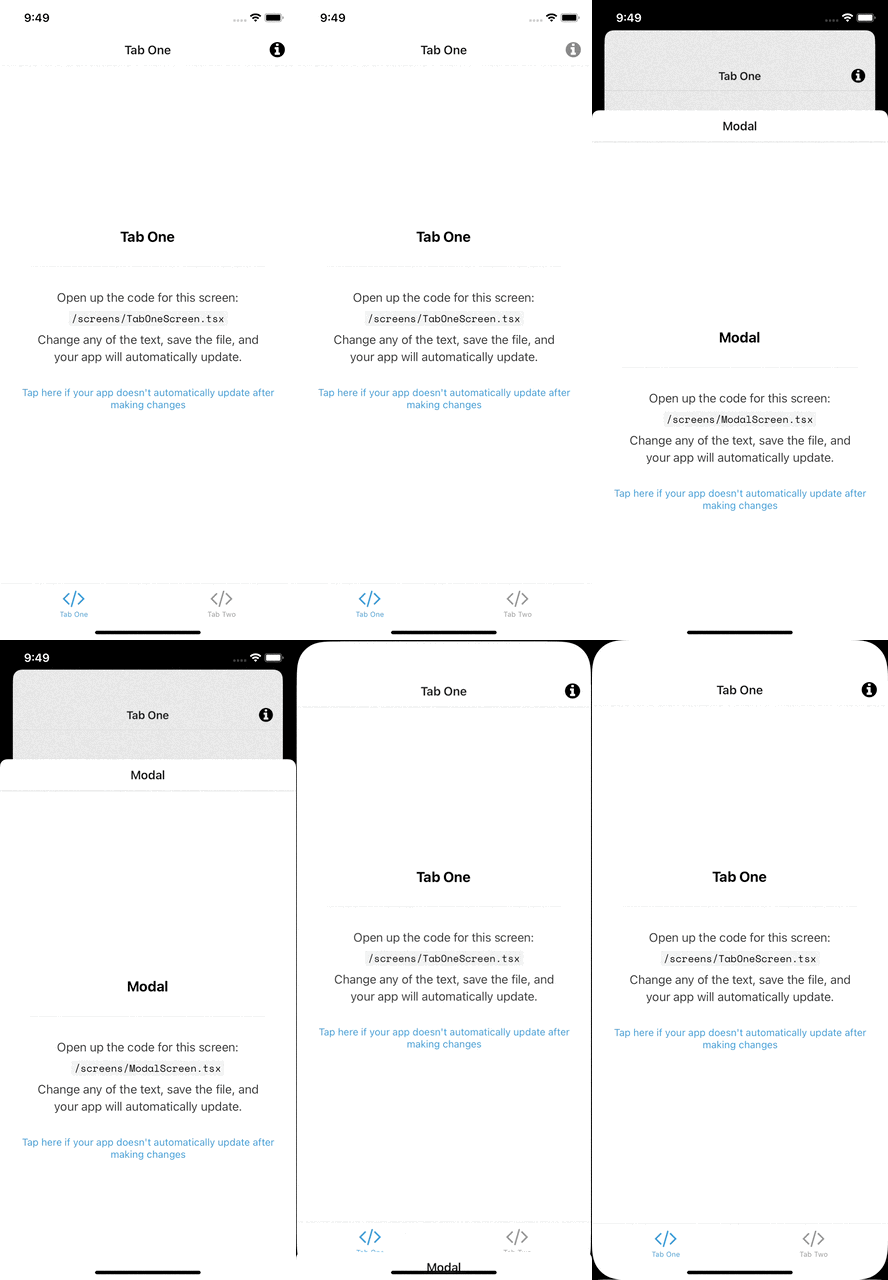
React Native 向けの Tailwind CSS ライブラリをインストール
npm install twrnc
twrnc のスタイルに置き換えてみる
/screens/TabOneScreen.tsxの文字表示を TailwindCSS で書いてみます。
;<Text style={styles.title}>Tab One</Text>
const styles = StyleSheet.create({
  // ...
  title: {
    fontSize: 20,
    fontWeight: 'bold',
  },
  // ...
})
⬇︎ 下記のように変更
<Text style={tw`text-orange-400 font-bold text-lg`}>Tab One</Text>
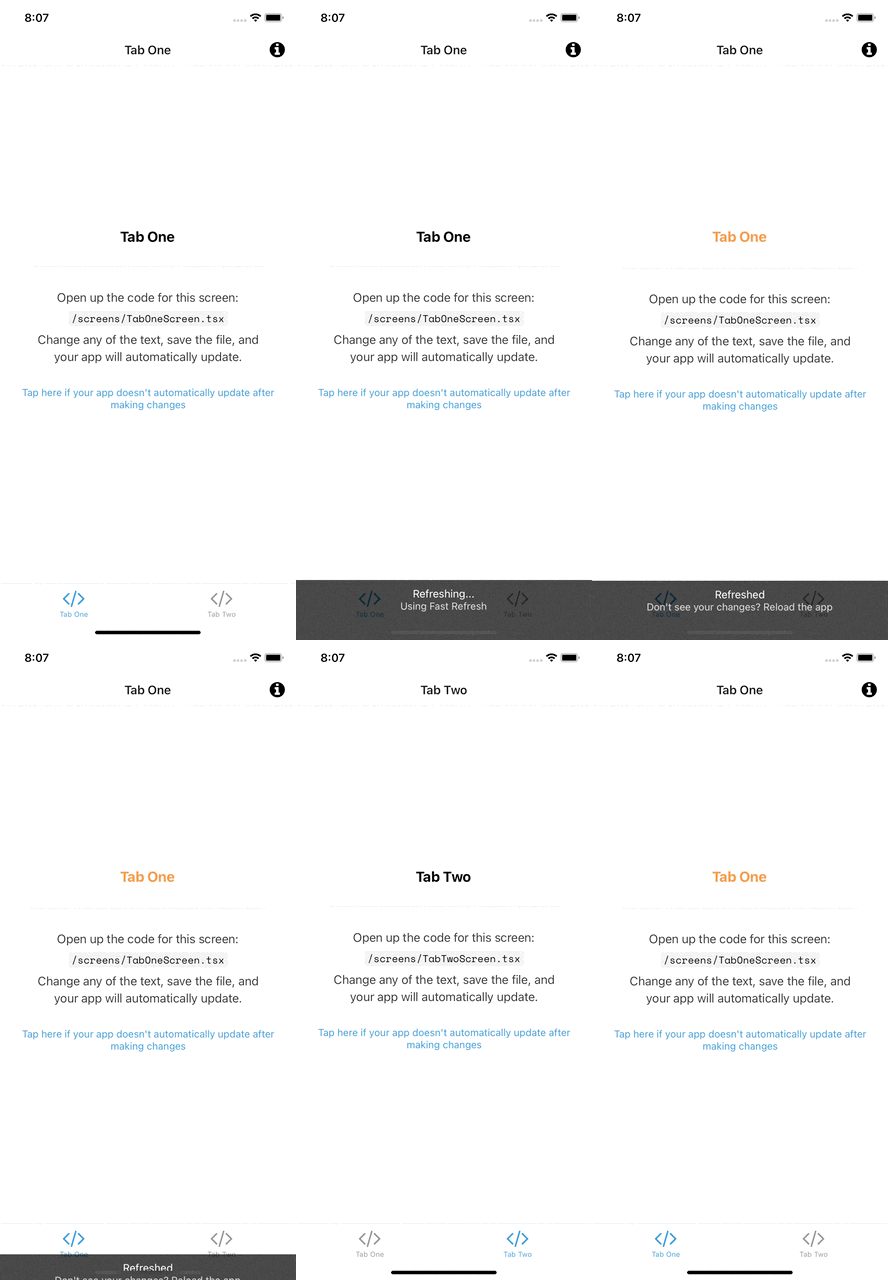
参考サイト
https://docs.expo.dev/get-started/installation/
https://docs.expo.dev/get-started/create-a-new-app/